
What To Say In A LinkedIn Connection Request, And When To Say Nothing
Sep 24, 2026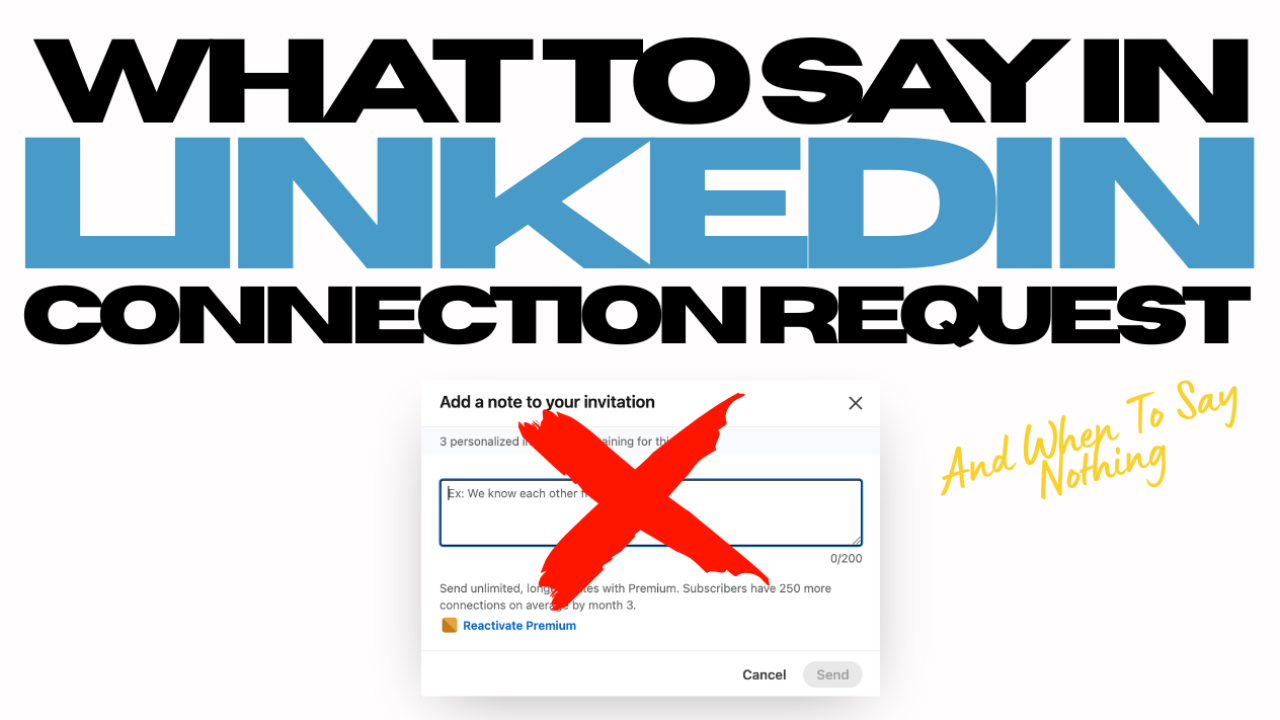
The advice on LinkedIn connection requests has flipped, and most people have not noticed.
For years the rule was to always add a personalized note, because a request with a note gets accepted more often. That was true when almost nobody was doing it. It is not true now. The personalized note has become the most abused feature on the platform, and the people you most want in your network read it as a warning sign rather than a courtesy.
What A Connection Request Is Actually For
A connection request has one job. It asks someone to let you into their network so the two of you can message each other.
That is the whole transaction. It is the door, not the room. Most bad outreach collapses those into one, pitching before the person has even agreed to be connected. That asks the reader to make two decisions at once, and the easy answer to two decisions is no.
The Notes That Never Work
Almost every unwanted request falls into one of these.
-
The instant pitch. A stranger opens with a business problem you never told them you had, then offers to fix it.
-
The fake personalization. Someone comments on your post, then uses your post as the bridge to their service.
-
The borrowed proof. Follower counts and other clients' results, delivered before hello.
-
The empty note. "Would love to connect. Best." It gives the reader no reason to accept.
-
The synergy note. Mutual connections, adding you to my professional network, great synergy between us. Polite filler that says nothing.
Here is the test. If you would not say it out loud to someone at a networking event before shaking their hand, do not put it in a connection request.
What LinkedIn's Rules Tell You
-
Personalized invitations are capped each month on free accounts, and tracked separately from standard invitations. LinkedIn does not publish the number, but it is small.
-
The note field is only a couple hundred characters. That is not room for a pitch, which tells you what it was built for.
-
Invitations that get ignored, left pending, or marked as spam can get your account restricted.
-
Withdraw a pending request and you cannot re-invite that person for up to three weeks.
LinkedIn is not trying to help you contact more people. It is trying to make you contact fewer people better.
The Three Times A Note Earns Its Place
Add a note only when a bridge already exists, something real that was there before you clicked Connect.
You already know them.
"Great working together on the project last spring. Can't believe we aren't connected on here yet."
You have consumed their work.
"Just finished your book and it was excellent. Would love to connect."
You met them somewhere.
"Great to meet you at the event today. Would love to stay connected."
Each one names the bridge, stays short, and asks for nothing. If you cannot name a bridge in one sentence, you do not have a reason for a note. You have a reason to hit Connect.
What To Send When There Is No Bridge
Nothing. Send the request and let your profile do the work.
That is not laziness, it is accuracy. Whatever you write in that box, the person is clicking your name before they decide. They will read your headline, scan your About section, and glance at your recent posts. That was always the real pitch.
So the profile has to hold up. Someone should be able to tell in ten seconds who you help, what problem you solve, and why they should believe you.
Better still, show up in their world first. Comment on their posts with something substantive, more than once. By the time your request arrives, your name is familiar, and familiar beats personalized every time.
The Message After They Accept
This is where the relationship starts, and it is the part most people waste.
Send a genuine thank you and open a conversation. No pitch, no calendar link, no fifteen minutes, no PDF nobody asked for.
"Thanks for connecting. I noticed you have been posting about hiring recently, and it has been coming up in a lot of our client conversations too. What are you seeing on your end?"
That thanks them, shows you looked at their work, and asks something they can answer in a line. Give them an easy exit, and do not follow up three times. If there is no reply, keep engaging with their content and let the next conversation start on its own.
What To Take From This
-
Send most connection requests with no note.
-
Add a note only when a real bridge exists, and name it in one sentence.
-
Treat personalized notes as scarce, because LinkedIn has made them scarce.
-
Warm the relationship by engaging with someone's content first.
-
After they accept, send a thank you and a real question, with no pitch attached.
The goal of a connection request is to get connected. Nothing more. The conversation is where everything else gets earned.
Your Next Step
Ready to build a LinkedIn network that actually turns into conversations? Join us for the Amateur to Expert 5 Day LinkedIn Workshop, September 28 through October 2, 12 to 1 Eastern. Five hours of live coaching with us, a workbook you keep for life, and replays if you cannot make it live. It is $29 and we cap it at 150 people so we can actually coach you.
👉 Save your spot: Amateur to Expert on LinkedIn: 5 Day LinkedIn Intensive
